Robotic Arm Dos
One year later…
Last year was my first encounter with the robotic arm. I managed to understand what it is and how to set it up. Sounds superficial? Indeed!
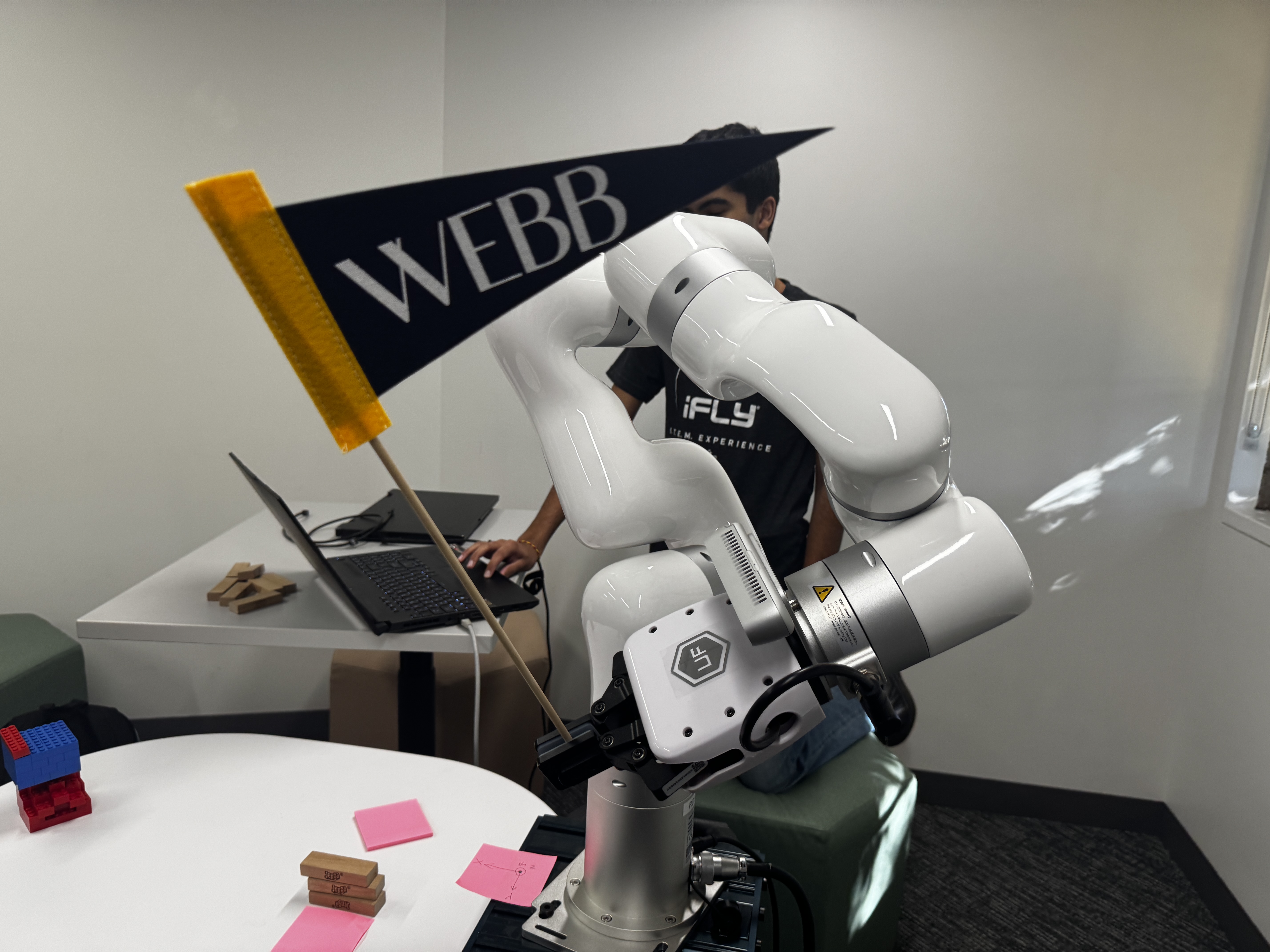
This spring semester I decided to face the robotic arm again, with a bit more patience and a bit more courage. I felt confident that at least I could learn a bit more on the software side.
Goals:
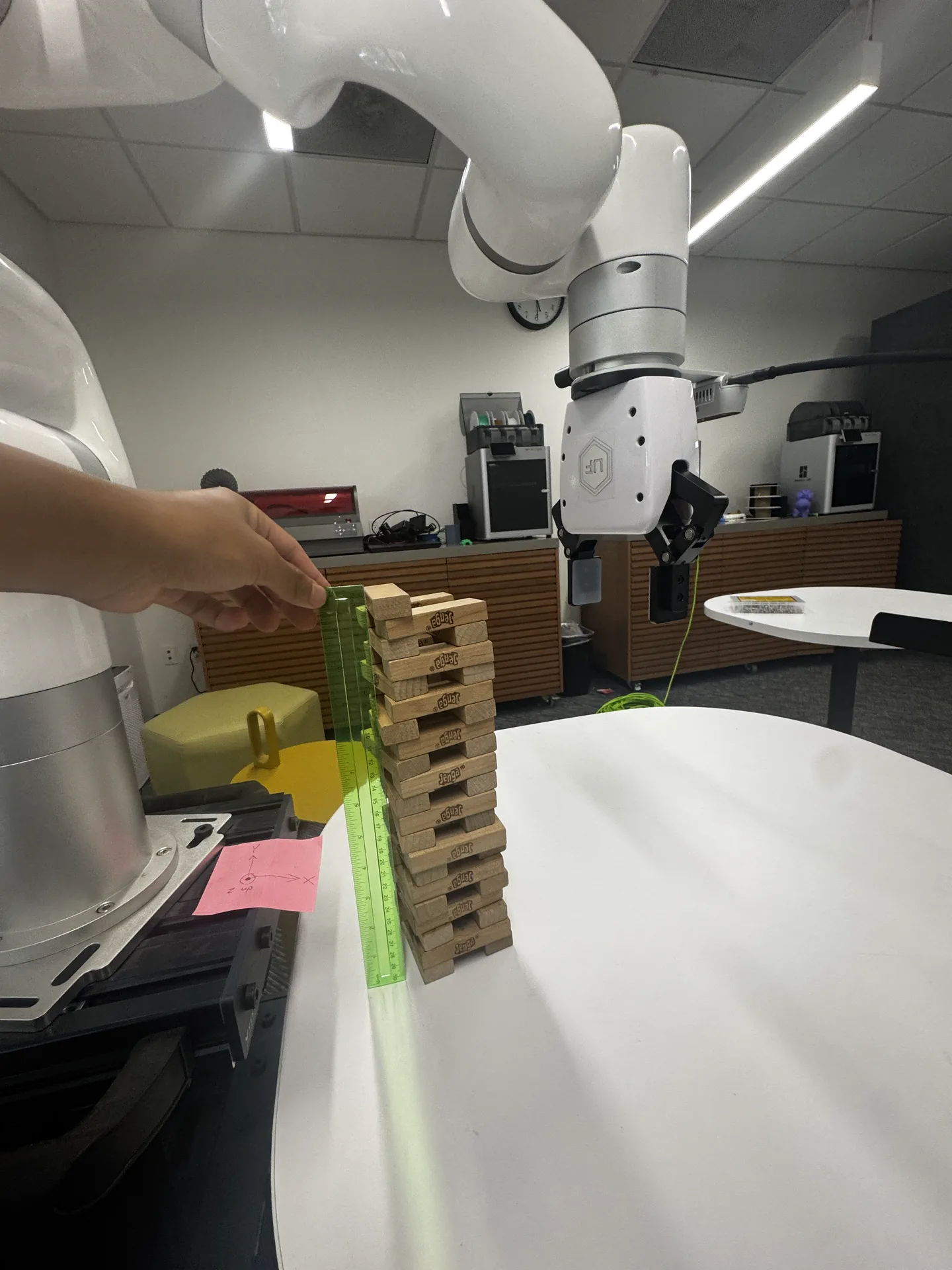
The GRAND goal was to stack Jenga blocks with closed-loop visual control rather than scripted coordinates.
To achieve this, I gave myself some Sub-Goals:
- Using the Intel RealSense D435 to build a clean data collection setup.
- Meaning that I can create a repeatable camera setup and capture images of Jenga blocks under different lighting, angles, backgrounds, and stack arrangements
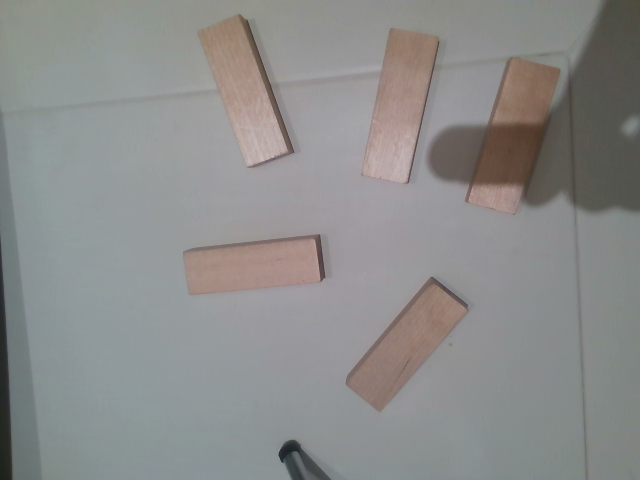
- Using classical OpenCV to detect Jenga blocks in the image.
- edge detection
- contour detection
- rectangle fitting
- orientation estimation
- Estimate block position and orientation in real space
- Execute reliable pick actions
- Execute reliable place actions
- Add corrections and feedback
Outreach:
Cold emailing is sometimes very hot: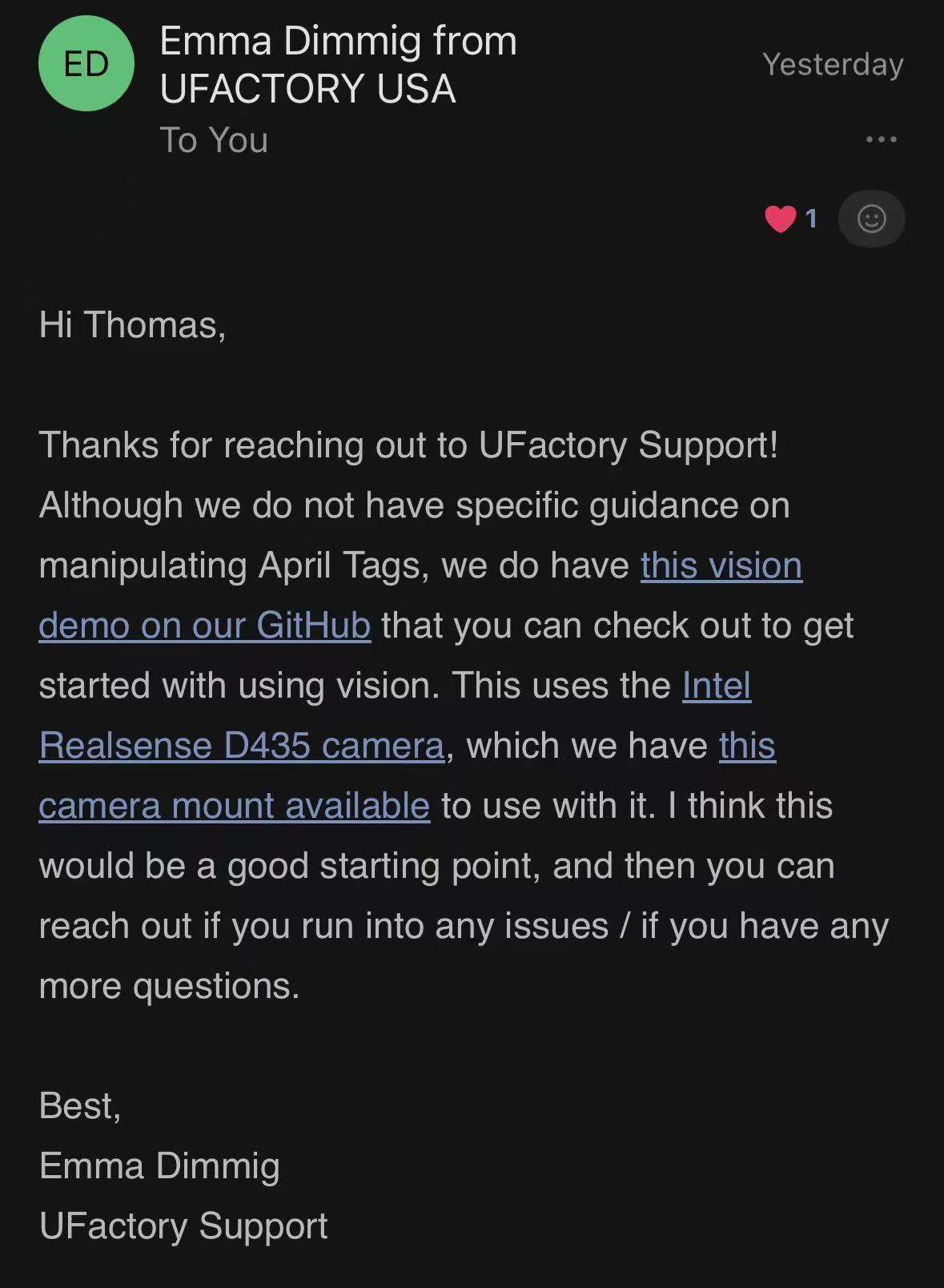
Setting Up:
Configuration Based on the Intel RealSense D435 Camera
Hardware Requirements
- Robot arm: UFACTORY 850, xArm series, or Lite6
- End effector: UFACTORY xArm Gripper or Lite6 Vacuum Gripper
- Camera: Intel RealSense D435
- Camera mount: Provided by UFACTORY (available for purchase or 3D printing)
- Purchase link: UFACTORY Camera Stand
- 3D file download: Realsense_Camera_Stand.STEP
Software
Supported Python Versions
Supported Python versions: 3.8–3.11 (recommended: 3.11)
1. Clone the repository
1 | git clone https://github.com/xArm-Developer/ufactory_vision.git |
2. Install Dependencies:
1 | pip install \ |
Resources
- UFACTORY Documentation — Official UFACTORY docs for manuals, APIs, support articles, and release notes.
- xArm Python SDK — Official Python SDK for controlling xArm robots.
- UFACTORY Vision — UFACTORY’s vision-related repository, useful for camera integration and vision-based robotic workflows.
- GGCNN Kinova Grasping — Reference project for vision-guided robotic grasping using GG-CNN.
OpenCV resources
OpenCV-Python Tutorials: Image Processing in OpenCV — Main OpenCV image-processing tutorial hub.
Camera Calibration — Calibrate the camera and correct distortion.
Camera Calibration and 3D Reconstruction (calib3d) — Geometry reference for calibration and projection.
Image Thresholding — Segment blocks from the background.
Morphological Transformations — Clean up masks after thresholding.
Contours: Getting Started — Find object outlines in binary images.
Contour Features — Measure contours and get rotated rectangles.
Perspective-n-Point (solvePnP) — Estimate object pose from image points.
Template Matching — Simple baseline for locating known visual patterns.
Hough Line Transform — Detect long straight edges and estimate orientation.
LearnOpenCV: Stereo Camera Depth Estimation With OpenCV — Helpful later if you add stereo/depth.